
Create AI Workers in NAVINES AGI Console and use NAVINES Browser Assistant to explore an approved Chrome page, ask follow-up questions and prepare supported fields. The extension connects browser work to your Console workspace; final submission stays with you.
One workspace, three distinct ways to work
NAVINES AGI Console is the workspace for configuring AI Workers, assigning permitted resources and reviewing Missions and results. Browser Assistant is its Chrome companion, not a replacement for the Console and not the NAVINES NOISE page-inspection extension.
A Worker operates within its configured tools, limits and approval policy. NAVINES Cloud uses a separate browser for supported public websites. The Chrome extension works on the tab you explicitly approve and can use that page's existing signed-in context. The Cloud browser does not receive your Chrome cookies.
| Mode | Starting point | Important boundary |
|---|---|---|
| AI Workers | A mission and selected connected resources | Only the assigned tools and permissions apply. |
| Cloud browser | A supported public website | Separate from your signed-in Chrome session. |
| Browser Assistant | One approved Chrome tab | Browser access requires an enabled workspace; final submission is yours. |
What the Chrome assistant can help you do
Describe a goal in the side panel and continue the conversation while the task runs. The published listing describes reading pages, following supported same-website links, scrolling, searching supported public GET search forms and preparing supported ordinary fields after review of the exact values.
For a final form submission, take control and click Submit yourself. NAVINES releases browser control and waits. Return control explicitly when you want it to inspect the latest page and check the visible result. An uncertain outcome is not a reason for automatic resubmission.
- Review proposed field values before entry: a website may send or save values while they are typed, even before Submit.
- The assistant does not click Send or Submit, purchase buttons or account-setting controls, or bypass website security checks.
- Some private pages, login challenges and websites are unsupported. Chrome displays its own temporary debugging indicator during control.
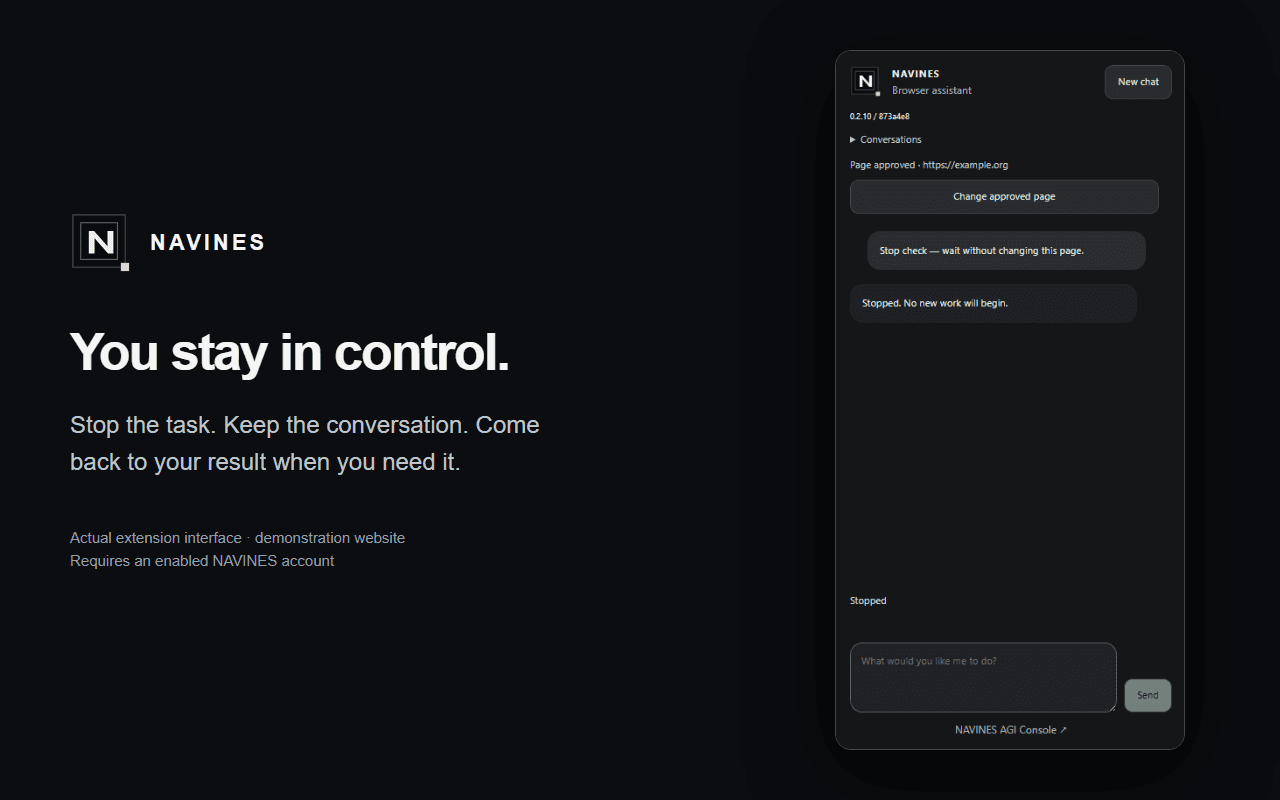
- Stop prevents new actions; it cannot undo website effects that already began.
Start with a small, reviewable task
- Visit NAVINES AGI Console and confirm that your account's workspace has browser access enabled.
- Open the official Chrome Web Store listing, review its permissions and privacy disclosures, and install in a supported Chrome environment.
- Connect the extension to your Console workspace using the product's connection flow, then approve the intended page.
- Describe one task, review the displayed terms, price or limits, and start only when the scope is right.
- Guide the task through the conversation, review any proposed input, and take control for the final submission.
- Explicitly return control to check the visible result, or stop when the task is complete.
An SEO workflow without open-ended publishing
Illustrative workflow: use an authorized Search Console Worker to identify a page worth investigating. Open the public page in Chrome and ask the assistant to compare the visible explanation with a defined reader task. Review its observations, then use the relevant SEO Lab tool or editorial workflow to verify a proposed change.
The extension itself does not grant Search Console access or automatically publish SEO edits. Connector permissions and browser approval are separate. Record the evidence and check the outcome after any independently authorized publication; no browser assistant can guarantee rankings, traffic or inclusion in AI answers.
Understand what leaves the approved page
This is not a local-only analysis tool. The published product privacy notice says that approved-page screenshots, URL/title, instructions and permitted-action results are sent to NAVINES for AI processing when a task starts. Task text is also sent when requesting a price. Conversation and task records can remain in the Console workspace.
The notice describes local masking of detected sensitive fields, but not perfect redaction. Visible personal or confidential details can remain in a screenshot. Avoid sensitive pages, read the full product notice and do not assume that Stop, revocation or uninstall deletes existing workspace records.
The Chrome Web Store listing currently declares handling of personally identifiable information, authentication information, personal communications, web history, user activity and website content. Review the current listing and privacy notice before use. Links on this SEO Lab page do not install the extension, authorize a tab or connect an account.
Browser Assistant is not NOISE or Tools Hub
NAVINES Browser Assistant connects an approved Chrome task with NAVINES AGI Console. NAVINES NOISE is a separate selected-page inspection product and also has a distinct Search Console MCP service. NAVINES Tools Hub is another extension; its store address and product identity must not be used as the installation link for Browser Assistant.
This guide was checked against the public Console, privacy notice and Browser Assistant store listing on October 9, 2026. Availability and supported actions can change. Consult those official product pages for current terms and access; publication in the store is not a Google endorsement or an independent security certification.
Primary sources
- NAVINES Browser Assistant — official Chrome Web Store listing — NAVINES / Chrome Web Store; Listing reviewed 2026-10-09; 2026-10-09.
- NAVINES AGI Console — AI Workers, Cloud and Chrome assistance — NAVINES; Product page reviewed 2026-10-09; 2026-10-09.
- NAVINES Console and browser assistance privacy notice — NAVINES; Privacy notice reviewed 2026-10-09; 2026-10-09.